


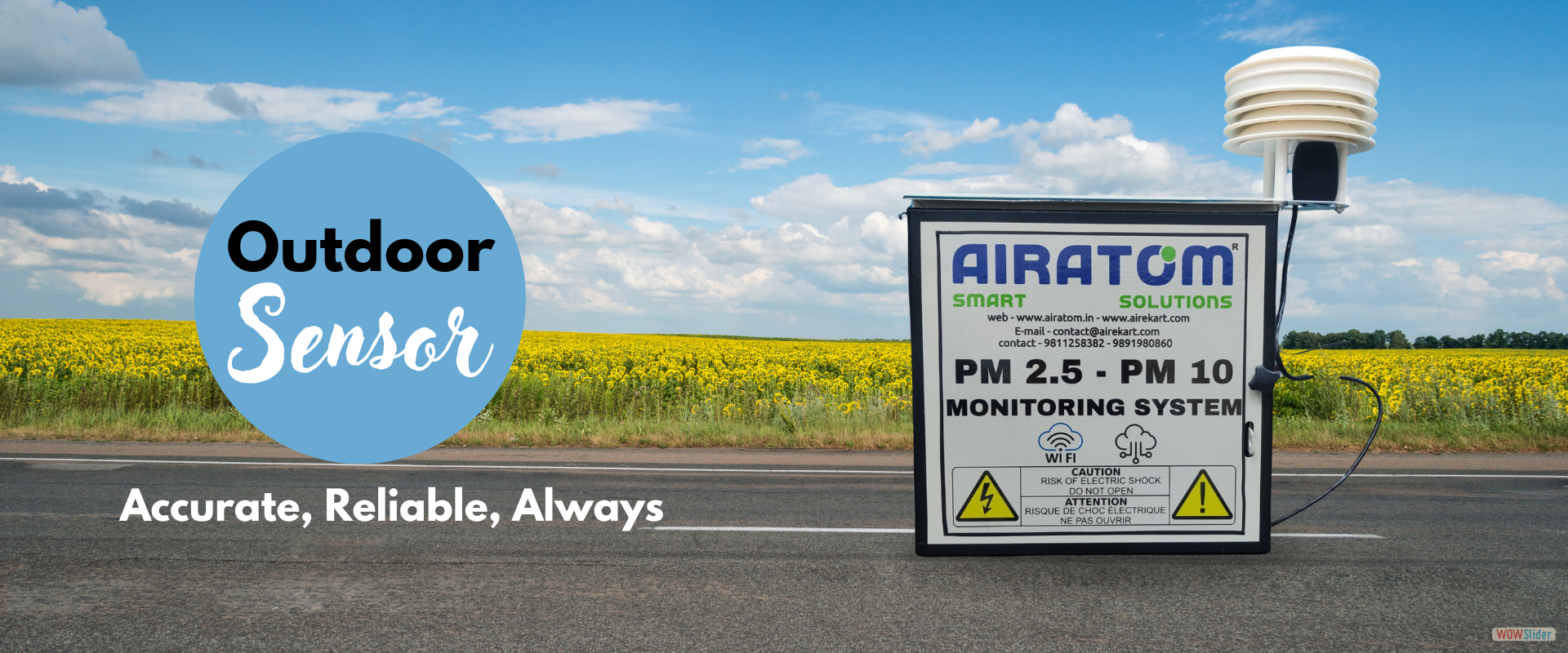
.png "Air Quality Sensor in India")


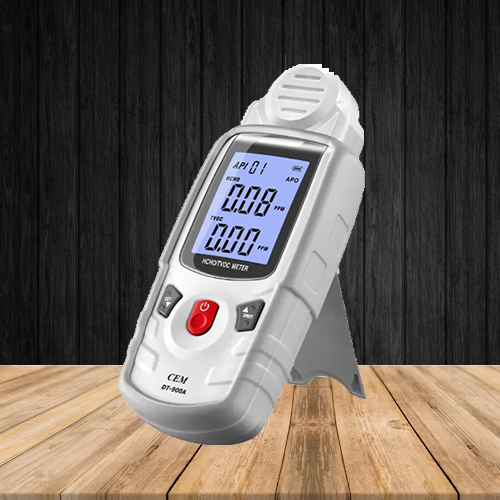
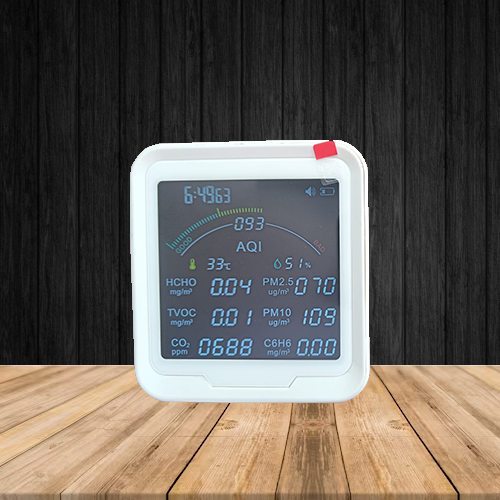

https://chrome.google.com/webstore/detail/world-air-quality-index/hhhfnanaabgcafkmlplbifbhknnbmidl

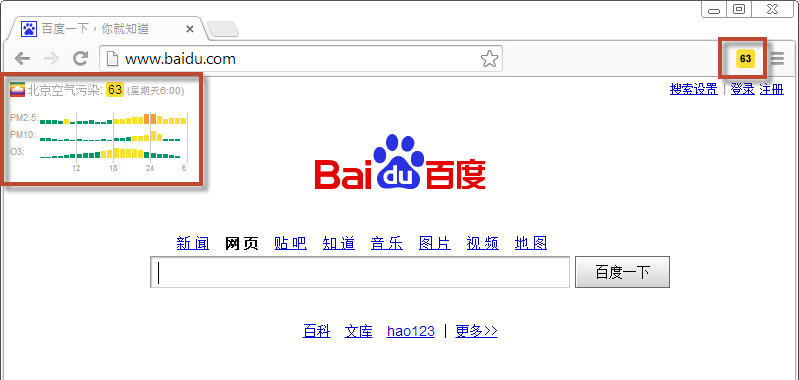
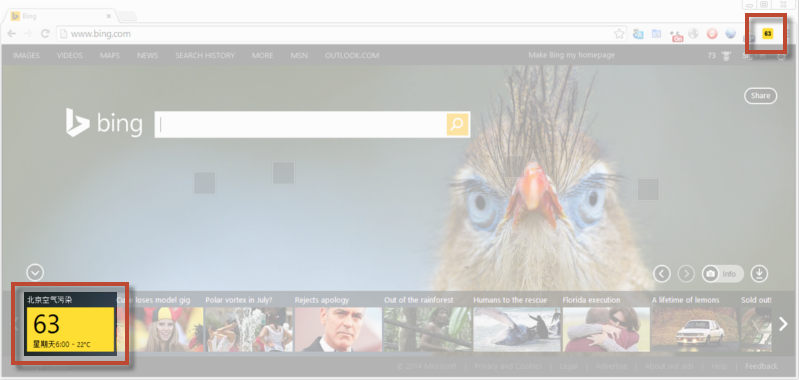
Alternatively, in can you can not access the Chrome store, you can also download the ".crx" plugin file
from this link. In order to install the crx file by, you can follow those 3 steps:
{ the 'three horizontal-bars' icon in the top-right corner }
{ .crx file should likely be in your Downloads directory }
(More information from howtogeek.com/120743/how-to-install-extensions-from-outside-the-chrome-web-store/ or
stackoverflow.com/questions/9931906/crx-file-install-in-chrome )
https://addons.mozilla.org/en-US/firefox/addon/aqicn/
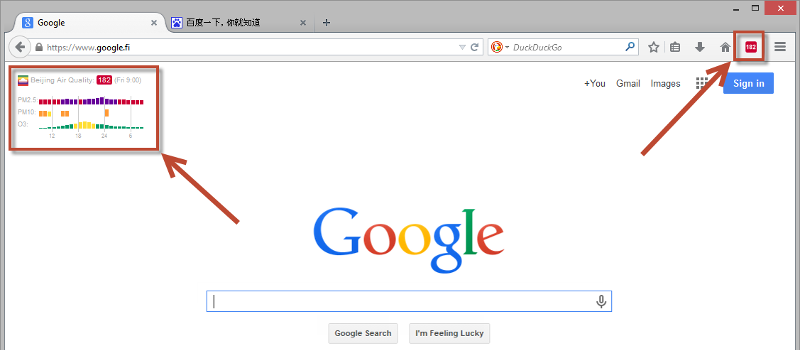
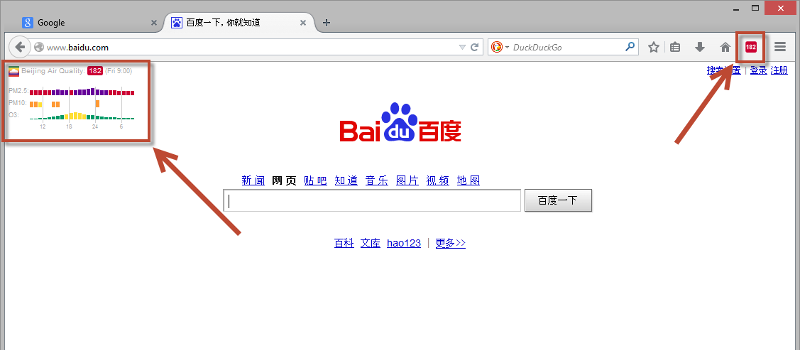
In case you can not access the Firefox store, you can also download the ".xpi" add-on from this link.